
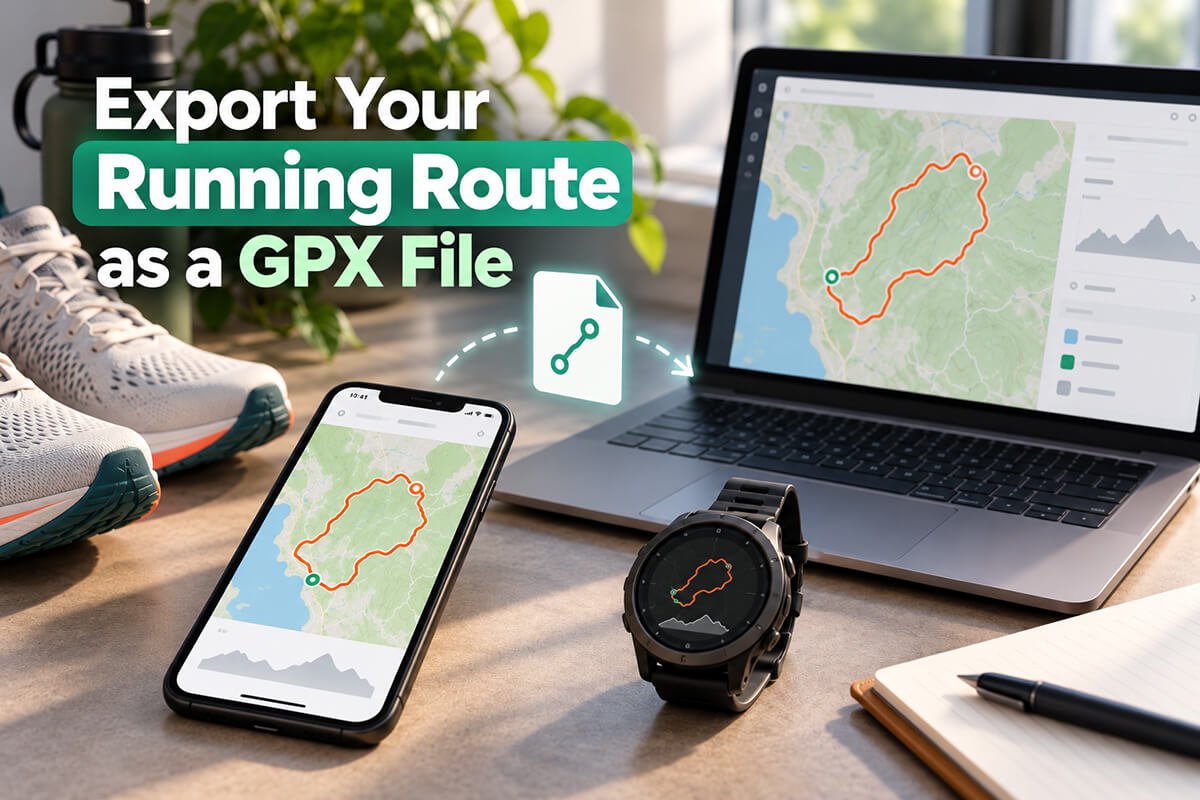
Planning a running route on a map is useful, but sometimes you want to take that route with you.
That is where a GPX file comes in.
A GPX file lets you take a route you have planned online and use it with compatible GPS watches, navigation apps and other route-planning tools.
With Map My Distance, you can plan a running route online for free, check the distance and elevation, save it to your account and make changes whenever you need to.
If you want to download that route as a GPX file, you can do that with Map My Distance Pro.
Here is how it works.
What Is a GPX File?
GPX stands for GPS Exchange Format.
It is a common file format used to store geographic information such as:
- Route coordinates
- GPS tracks
- Waypoints
- Planned courses
You will normally see a GPX file with a name such as:
my-running-route.gpx
The file contains the points that make up your route, allowing another compatible device or app to understand where the route goes.
For runners, this is particularly useful when you want to plan a route on a bigger screen and then move it onto a GPS watch or navigation app before heading out.
Why Export a Running Route as GPX?
There are plenty of situations where a GPX file can be useful.
You may be planning a walk, a hiking trip with friends, or a long run in an unfamiliar area.
You might be preparing for a trail race and want the course available on your watch.
You may have created a new training route and want navigation available while you run.
Or you might simply want to keep a copy of one of your favorite routes.
Instead of trying to remember every turn, you can create the route beforehand and take the route data with you.
How to Create a Running Route for Free
You can start by planning your route with the Map My Distance Running Route Planner.
Creating the route itself is free.
Start at your chosen location and add points along the roads, paths or trails you want to follow.
MMD calculates your route distance while you plan, so you can keep adjusting the route until it matches the distance you are aiming for. You can also use our pace calculator to estimate your running time.
You can use this for a short 5K route, a weekend long run, marathon training or a much longer trail-running route.
You can also check the elevation profile to get a better idea of how much climbing and descending your route includes.
Once you are happy with the route, save it to your MMD account so you can return to it later.
Free accounts can save routes within the Free plan limits, so you do not need Pro just to start planning and saving routes.
How to Export Your Running Route as a GPX File
Once you have created and saved your route, exporting it is simple.
Open the route you want to use and choose the GPX export option.
GPX exporting is available with MMD Pro.
Your route will be converted into a standard GPX file that you can download and use with compatible devices and software.
The basic process is:
- Plan your running route with Map My Distance.
- Check the route distance and elevation.
- Save the route to your account.
- Open the saved route.
- Export it as a GPX file with MMD Pro.
- Import the GPX file into your compatible GPS watch or navigation app.
The exact import process depends on the device or app you use.
Can I Create the Route Before Upgrading?
Yes.
This is one of the useful things about Map My Distance, it’s what MMD is built for!
You can use the free version to build your route first.
That means you can:
- Draw your route
- Measure the distance
- Follow roads and paths
- Check the route on the map
- View the elevation profile
- Save routes within the Free account limit
You only need to upgrade when you want access to additional Pro tools such as GPX export.
So if you are not sure whether MMD is right for you, you can start planning without paying anything.
What Can You Use a Running GPX File For?
A GPX file can be useful for much more than a normal training run. It can help you safely follow a planned route while running, walking, hiking or cycling, especially when you are exploring somewhere unfamiliar.
By loading the route onto a compatible GPS watch, phone or navigation app, you can check that you are still on course and reduce the chance of taking a wrong turn.
Trail Running
Trail routes can have more turns, junctions and unfamiliar sections than road runs.
Having the planned route available on a compatible device can make navigation much easier.
Race Preparation
If a race organiser provides the course route, studying it before race day can help you understand the distance, climbs, descents and major route sections.
You can also plan similar training routes in MMD and export them for your training sessions.
Long Runs
When you are running for several hours, it can be easy to forget a planned turn.
Creating the route beforehand gives you something more reliable to work from.
Running While Travelling
If you are visiting a new town or city, you can plan a route before you leave your accommodation instead of trying to work out where to go while running.
Favorite Routes
You might also want to keep GPX copies of routes you regularly use so they can be loaded onto different compatible devices in the future.
GPX Files Are Especially Useful for Trail Runners
GPX export becomes particularly valuable when running away from familiar roads.
On a normal road run, taking a wrong turn may only add a few hundred metres.
On a mountain or trail route, a wrong turn can take you in completely the wrong direction.
Planning the route beforehand lets you study the course and understand where major turns, climbs and route changes happen.
You can also use MMD’s route elevation tools to see where the difficult climbing sections are before the run.
That can help with pacing, race preparation and deciding whether a route is suitable for your current fitness level.
Plan First, Export When You Need It
You do not need a GPX file for every run.
For a familiar 5K around your neighbourhood, it may not add much value.
But when the route gets longer, more complicated or more adventurous, being able to export it becomes much more useful.
That is why MMD lets you begin with the free route-planning tools.
You can create your route, measure it and decide whether it is something you actually want to run.
Then, when you need the GPX file, MMD Pro unlocks GPX export along with the other advanced Pro features.
Create Your Next Running Route With Map My Distance
Map My Distance gives you a simple way to plan running routes online.
You can start for free, map out the route you want to run, check the distance and elevation, and save it to your account.
If you want to take your planned routes further, MMD Pro gives you access to GPX export so you can use your routes with compatible GPS devices and navigation apps.
Start by planning your route for free, and upgrade to Pro when you are ready to export it.